

ReStockKit
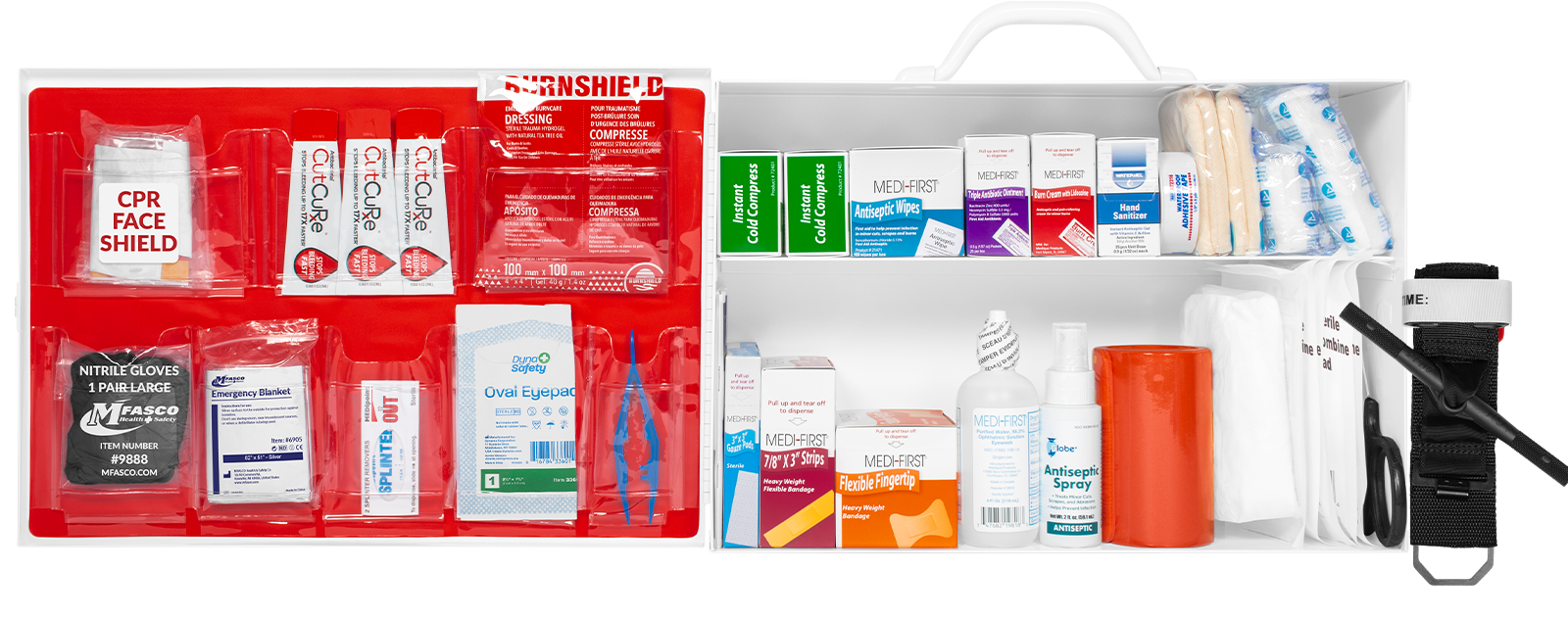
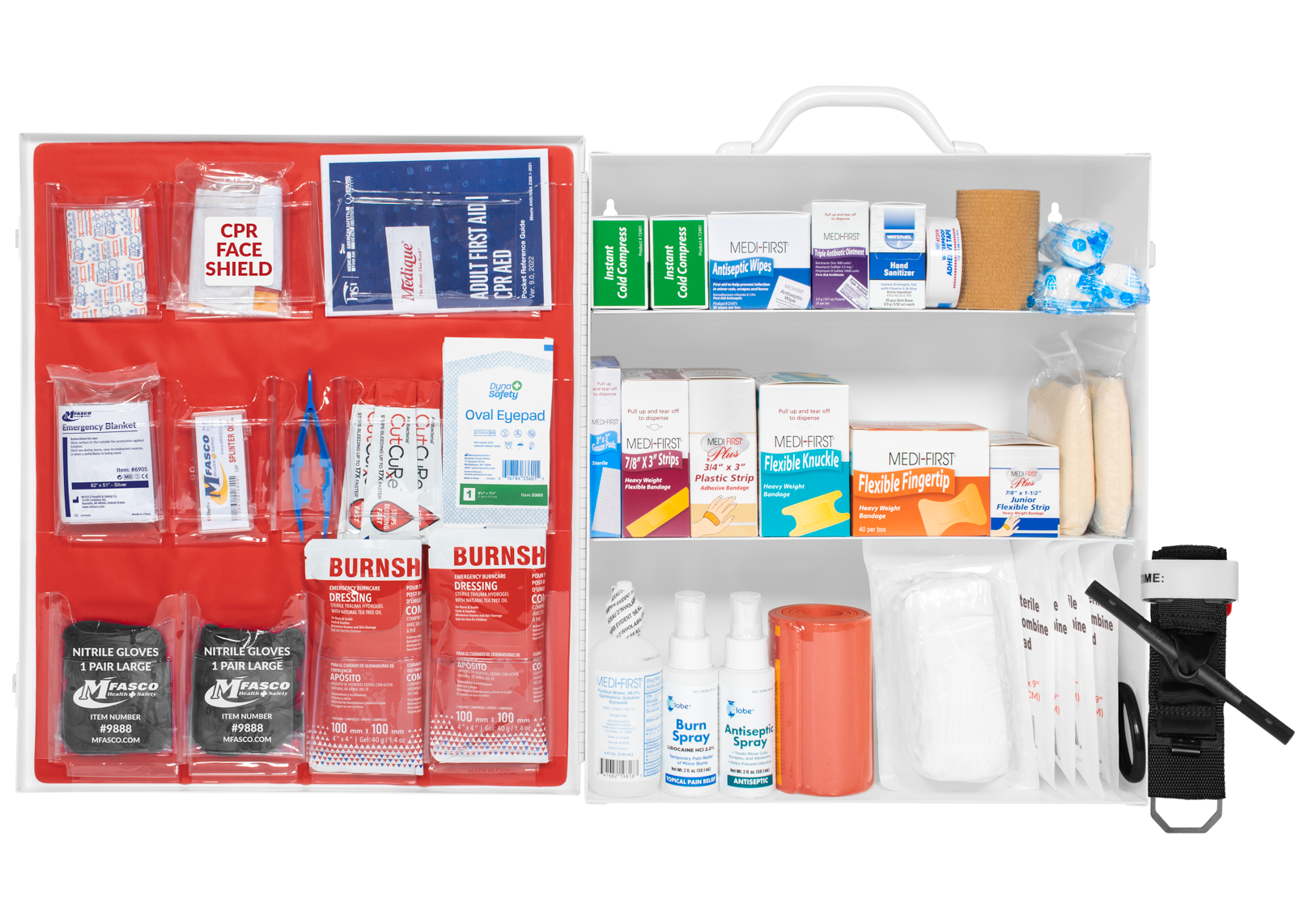
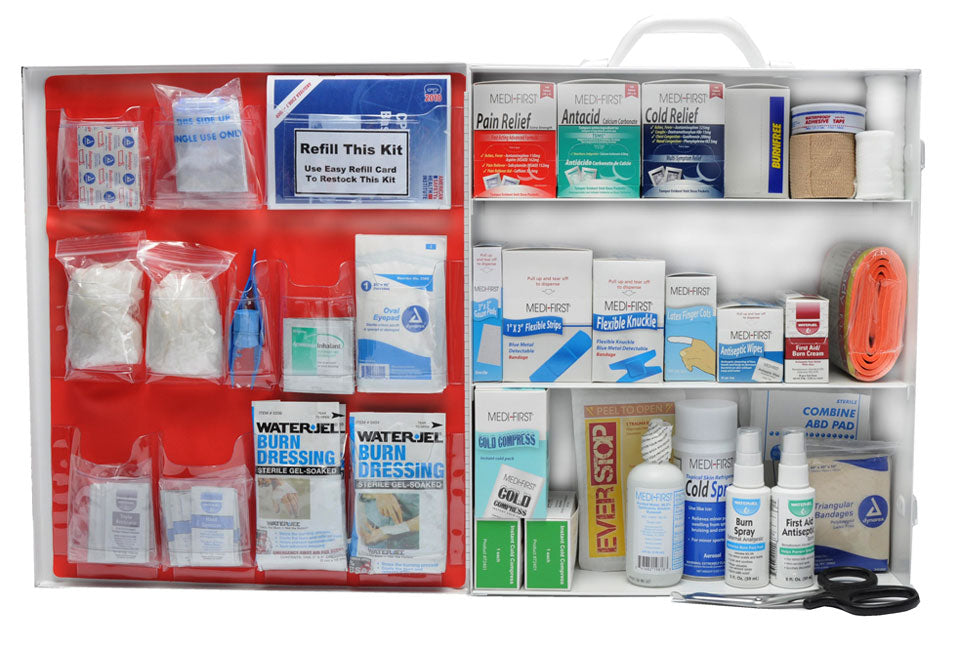
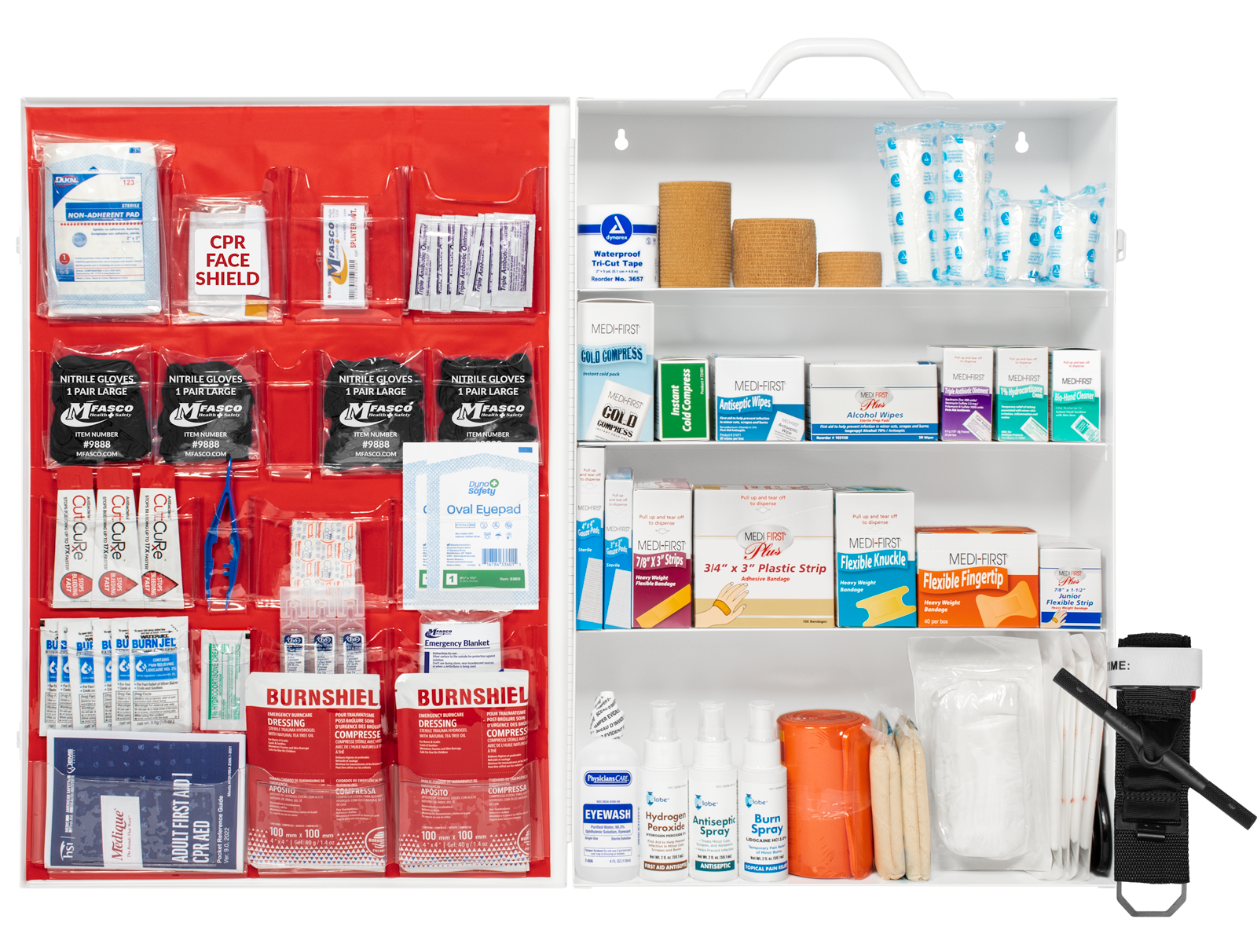
How It Works
Select your cabinet from our available options above to launch the interactive tool directly on that cabinet's product page:
- Choose Your Cabinet: Click your matching first aid kit from the list above. You will be directed straight to that product page and automatically scrolled down to the interactive restocking section.
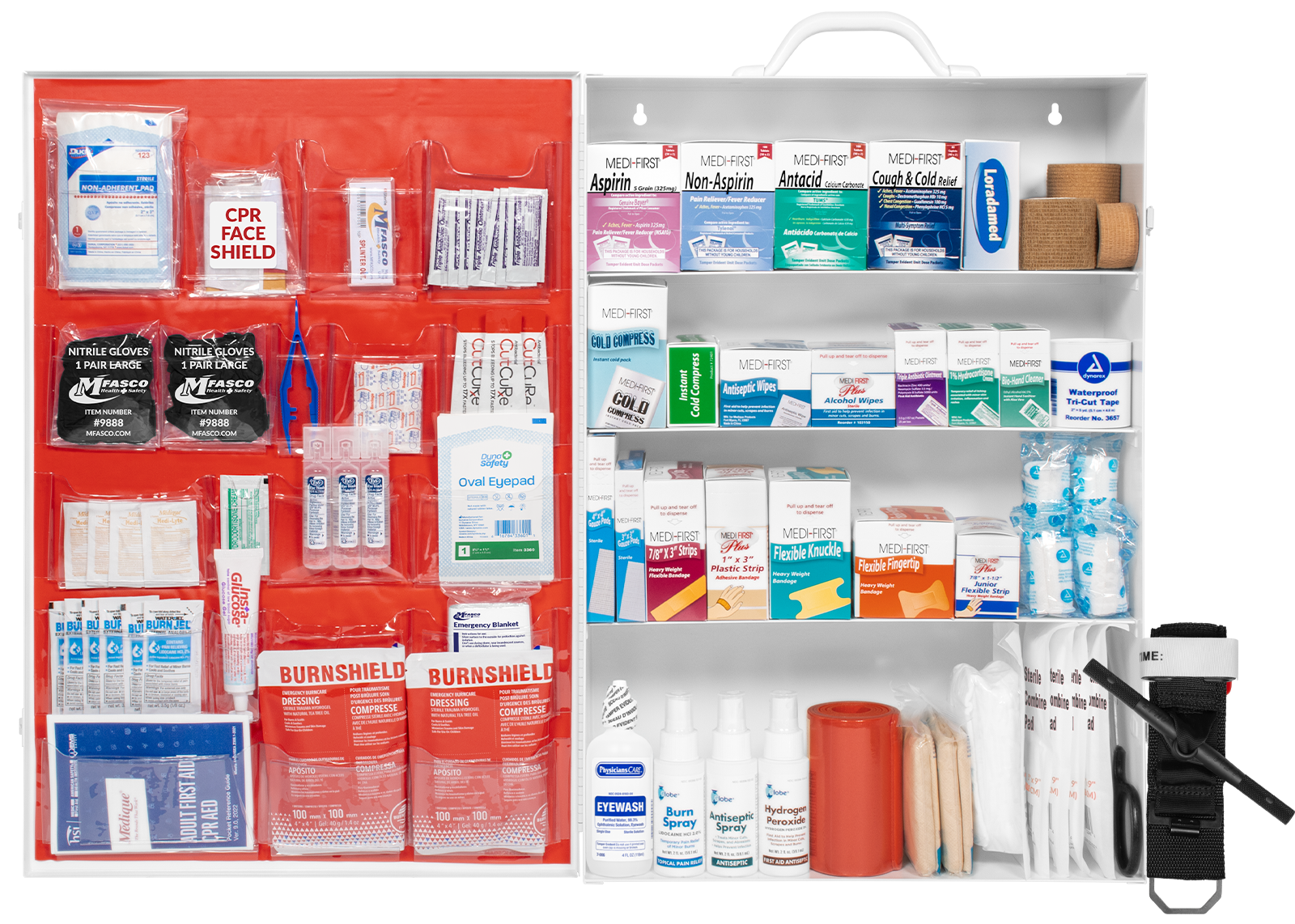
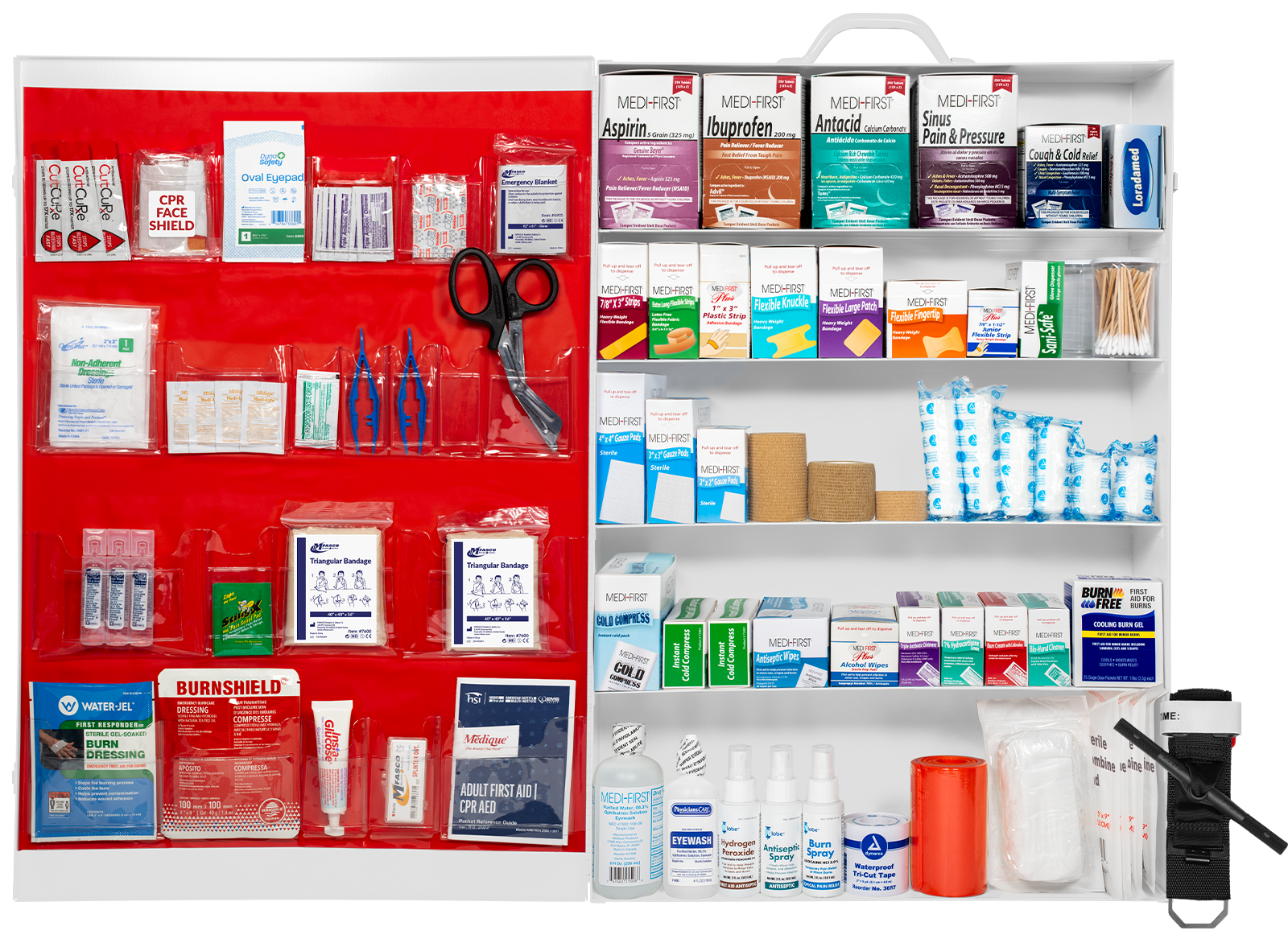
- Audit Your Supplies: Inspect your physical cabinet shelves from top to bottom (and the door pouches), checking item quantities and expiration dates against the visual layout.
- Touch to Add to Cart: Tap the "+" option on the product image. Use the interactive image to tap the missing items and instantly add the item you need to your shopping cart.
- Complete & Schedule: If you are signed in to our website, you can schedule an automated email reminder for your next inspection. The reminder email includes a link to your refill kit. Complete your order through our secure online checkout.
Tip: If your physical cabinet is completely disorganized, look for the Complete Refill Pack option on the product page to give your cabinet a full compliance reset, which includes a fresh QR code sticker for your box. That QR code takes you directly to the refill section of the product page for your cabinet.
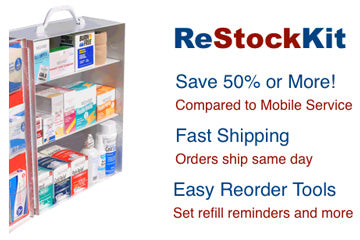
MFASCO is proud to introduce ReStockKit™, the easiest way to refill your dispensing first aid cabinet. ReStockKit™ allows you to visually click on the image and add to your cart. You can also print a checklist or even schedule a reminder to check your supplies.
Select a first aid kit below to begin using ReStockKit™.
-

Same Day Shipping
Orders placed before 3:00PM EST (Monday - Friday) are shipped out that day. Contact Customer Service if you have special shipping requirements or questions!
-

Customer Service
Need help finding the right first aid supplies or kits? Contact Customer Service by Chat or Phone between 8:00 AM - 4:30PM EST Monday-Friday.

